| Address: Chennai, Tamil Nadu |
Im manasveni from chennai.
About a month ago, i saw an ad for hassleblad camera for 52, 088 INR. We immediately contacted the seller-
Camzartel . Email- [protected]@gmail.com
He gave us an.option to either fully pay the money before recieving d product, or pay in two halfs before and after we receive the product. We opted for the half payment mode.
First, we sent 26, 000 to the following account-
ACCOUNT NAME: RAJU SHAIKH
ACCOUNT NUMBER: [protected]
PAN CARD NO: EHZPS3483K
IFSC CODE: SBINOO1266.
STATE BANK OF INDIA
BRANCH: GOREGAON WEST
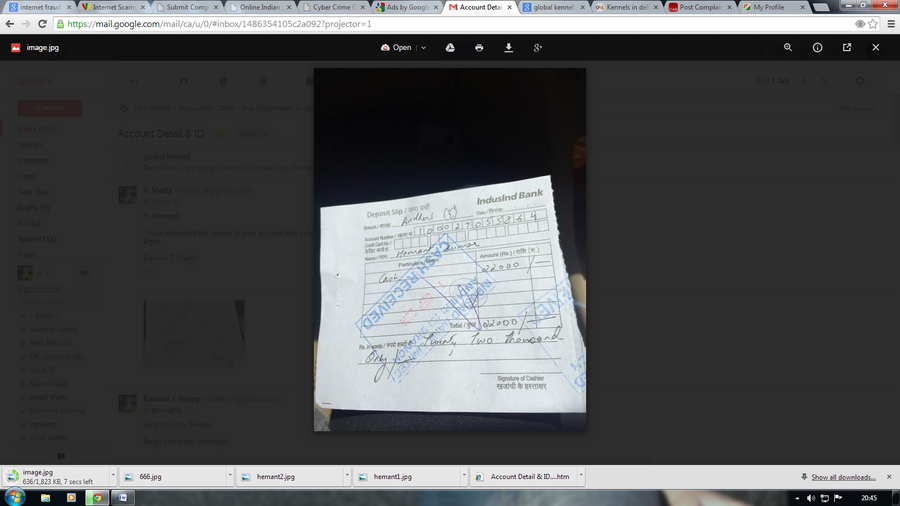
But he upon recieving the money he said that there was a mispackage and we need to pay the other half of the amount too. So after many attempts to negotiate with him, we sent the rest of the money too. That completes our part of the deal. But for his mispackaging error, he wanted us to pay an extra 24, 000 as a "security down payment", which he claims to be refundable. Isnt this unfair?? Why should we pay extra for his error. Him mispackaging 3 extra expensive cameras in our package is not our problem and we cant suffer for it!! We did not want to pay him the extra 24, 000 and we even suggested that he keep the camera and refund our momryback. But he hadnt responded to that also. Hes delaying the whole transaction for no reason! He just sends long mails full of lies and utterly irrelevant justifications l. Till now, hes hasnt dispatched our camera, or refunded our money. We have lost all hope. Kindly help us by taking immdiate action. Below i have attached the camercamera details and the address he had sent.
Complaint marked as Resolved
Verified Support
Sep 16, 2014
OLX India Customer Care's response Dear Manasveni,
We apologize for the inconvenience caused.
We have already actioned on the concern shared by you. Kindly share your email Id on [protected]@olx.in for us to assist you better.
Regards,
OLX India




[protected] he is doing fraud again